Password Generators: Create Strong Secrets Without Leaks
Generate passwords safely by choosing length, randomness, and storage habits before a secret ever leaves your browser.
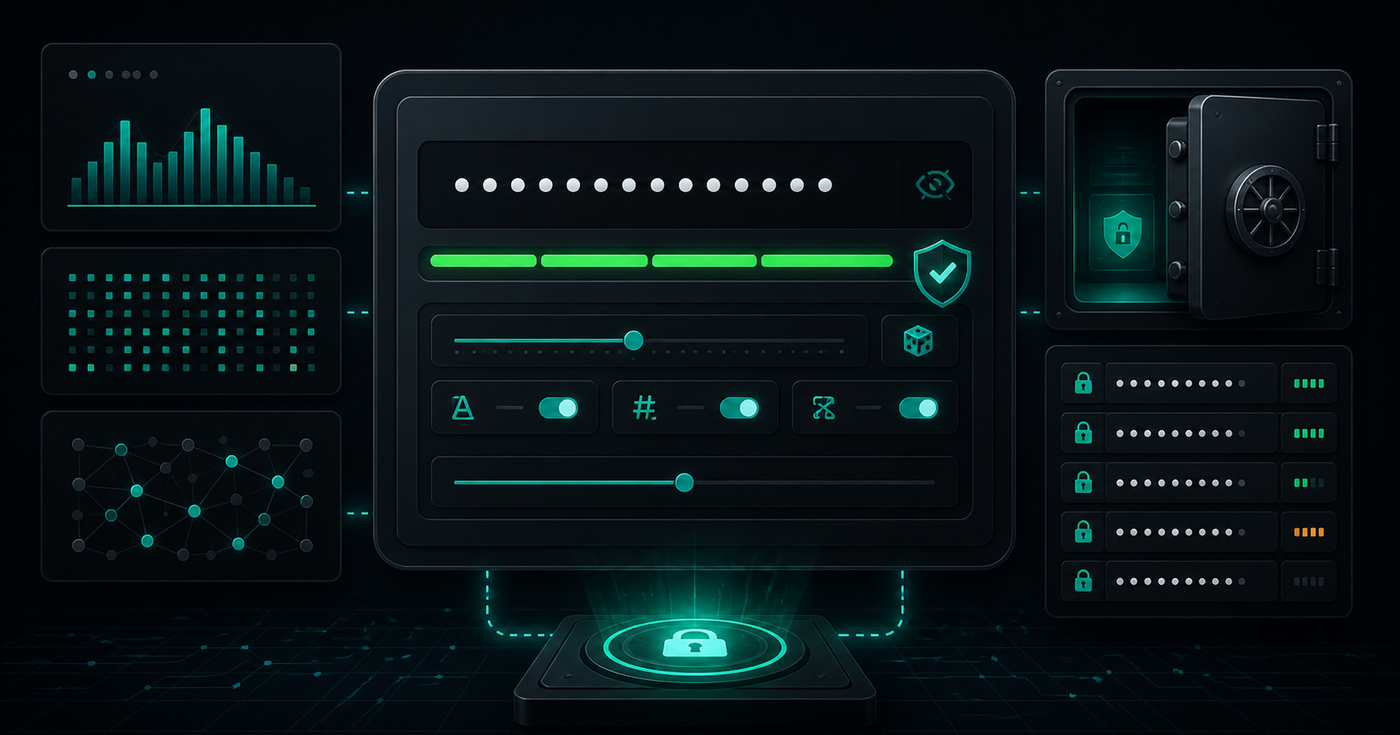
A password generator is useful because humans are bad at inventing random secrets. We reuse patterns, add predictable substitutions, and stop too early when a password looks complicated enough.
The goal is not to create a password that looks clever. The goal is to create a long, random value that a password manager can store and that an attacker cannot guess cheaply.
Start With Length Before Complexity
Length does more work than most people expect. A short password with symbols can still be weaker than a longer random passphrase or generated string. If the system accepts it, start with a longer value and then add character variety where required.
- Prefer unique passwords for every account, API key, and environment.
- Use enough length that guessing becomes impractical.
- Avoid words, dates, names, keyboard walks, and predictable substitutions.
- Let the password manager remember the secret instead of making it memorable.
- Regenerate when a site forces awkward rules instead of trimming a good secret by hand.
Generate Locally When You Can
A password is sensitive before it is ever saved. If a generator sends the candidate secret to a server, analytics endpoint, or logging pipeline, the password may already be exposed.
For quick one-off generation, prefer tools that run in the browser and do not require account sign-in. Treat generated passwords like production credentials from the moment they appear on screen.
Match the Secret to Its Job
Not every secret has the same shape. A human login password, database password, webhook secret, recovery code, and Wi-Fi password may have different length limits and character restrictions.
const passwordPolicy = {
  length: 24,
  includeUppercase: true,
  includeLowercase: true,
  includeNumbers: true,
  includeSymbols: true,
}
Policy is useful only when it produces a secret the target system accepts. Test the generated value once, store it in the right vault, and avoid copying it through chat, tickets, or screenshots.
The Password Generation Checklist
- Generate a unique password for each account or service.
- Increase length before relying on visual complexity.
- Use a local generator for quick secrets.
- Store the result in a password manager immediately.
- Do not paste generated passwords into shared documents or logs.
- Rotate the password if it was exposed during setup.
- Use API keys, tokens, or HMAC secrets when the system expects machine credentials.
Use a Password Generator Before Setup
Use the Password Generator at /tools/password-generator/ when you need a strong browser-local password quickly. Pick the length and allowed characters first, generate once, save it, and move on.
Strong password work is mostly discipline: unique value, enough length, local generation, and safe storage. Do those four things consistently and most password mistakes disappear before they reach production.
Related Posts
Color Palettes: Check Contrast Before the UI Ships
Build palettes that hold up in real interfaces by checking contrast, states, tokens, and light/dark backgrounds before CSS changes ship.
UUIDs: Pick Identifiers That Survive Real Systems
Use UUIDs deliberately: choose the right identifier shape, keep IDs opaque, avoid collisions, and test how values move through APIs and databases.
Hash Checks: Verify Data Without Guessing
Use hashes to compare files and text safely: pick the right algorithm, preserve exact input bytes, and verify checksums before trusting data.